Dashboard
Needs gander signup. These commands are hidden from gander --help until a token is saved.
The dashboard is the browser UI for everything the token can do that is awkward in a terminal: scanning shares, flipping visibility and commenting, managing the team, rotating the API token. It needs signup.
gander manage
gander dashboard
gander dash
gander --d
Those are the same flow. The CLI mints a short-lived manage intent, opens a confirm page in your browser, and (after you confirm) sets a session cookie and redirects to /dashboard. If you are already signed in as that user, confirm is skipped.
You can also go to /login with your email and password if you attached one at signup or later.
The left nav lists My Shares, Shared with me, Team, and API Token. Collapse it to icons from the control at the bottom of the column. The browser remembers that choice.
Shares
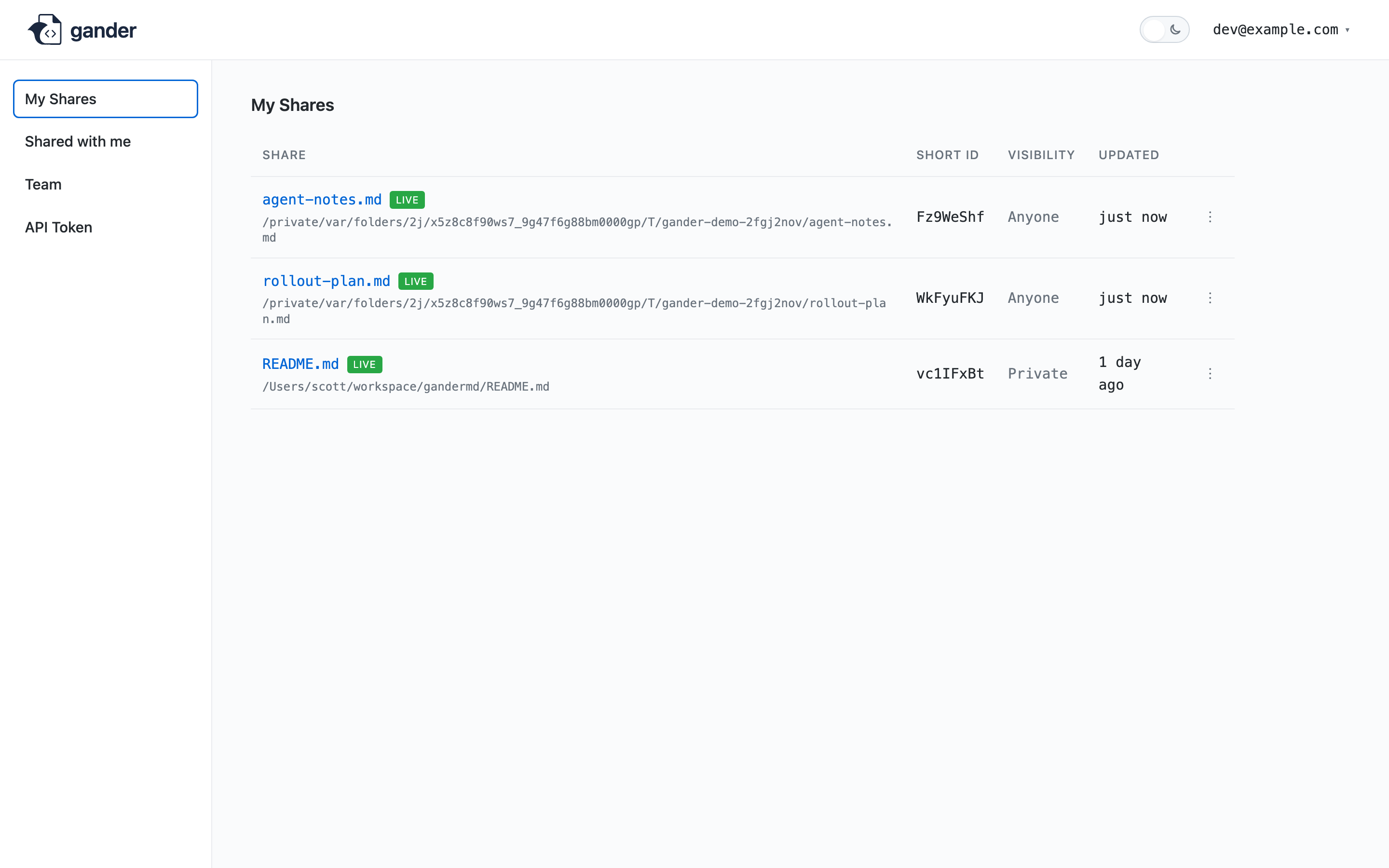
The home dashboard lists your shares by document headline (falling back to the filename), with unresolved counts, commenting, and visibility. From there you can:
- Search by headline, filename, path, short ID, or label. Advanced Filters covers visibility, commenting, live status, labels, and updated date range. When any of those filters are on, a count pill and a clear-filters control sit on the Advanced Filters button. Column headers sort the list. Search, filters, and sort run in the browser on the loaded list and stay in the URL so a refresh keeps them.
/dashboard?label=gandermd(repeatablelabel) is a prefiltered view an agent can open. - Long file paths ellipsize from the left; hover the path for the full string.
- Labels show as chips on the row. Add or remove them from the ⋮ menu. Click a chip to filter to that label. Shared with me shows chips read-only.
- Share a Markdown file from this computer (optional in-tab watch)
- Open the live viewer
- Delete a share (same effect as
gander remove) - Set visibility to Anyone, Private, or Hidden
- Set commenting to Anyone, Private, or Disabled
- Pin a share from the ⋮ menu so it stays at the top of My Shares. Unpin puts it back among the other shares, ordered by when they were last updated. The pin belongs to you.
gander listkeeps its current order. - Archive a share from the ⋮ menu, the selection bar, or
gander archive. It leaves My Shares and every teammate's Shared with me, hides the link, turns commenting off, and stops live watch. Sharing the file again puts the share back with the visibility and commenting it had before.
Anyone commenting is hidden unless visibility is Anyone. That matches the CLI. Changing these from the dashboard is the right move when a watch loop is already running and you do not want to pass flags on every save. See Visibility.
Share a Markdown file is a first-class share, same as gander share. Check Keep watching this file to push saves from this tab (Chrome and Edge, while the tab stays open). Close the tab or click Stop to end that loop. The browser cannot see the file's absolute path, so the CLI path map is empty until you run gander watch (or gander share) on that file. That command keeps the same short link and then watches from disk the way a CLI share does.
Shared with me
/dashboard/shared lists documents others have shared with you. Search by headline, short ID, owner, or label. Advanced Filters covers who shared the document, live status, labels, and updated date range. It does not cover visibility or commenting, which you cannot change here. A count pill and a clear-filters control appear when any of those filters are on. Label chips are read-only. Pin from the ⋮ menu keeps that document at the top of your Shared with me list. The pin belongs to you. Archiving still hides the document until the owner shares it again, and your pin is still there when it comes back.
Team
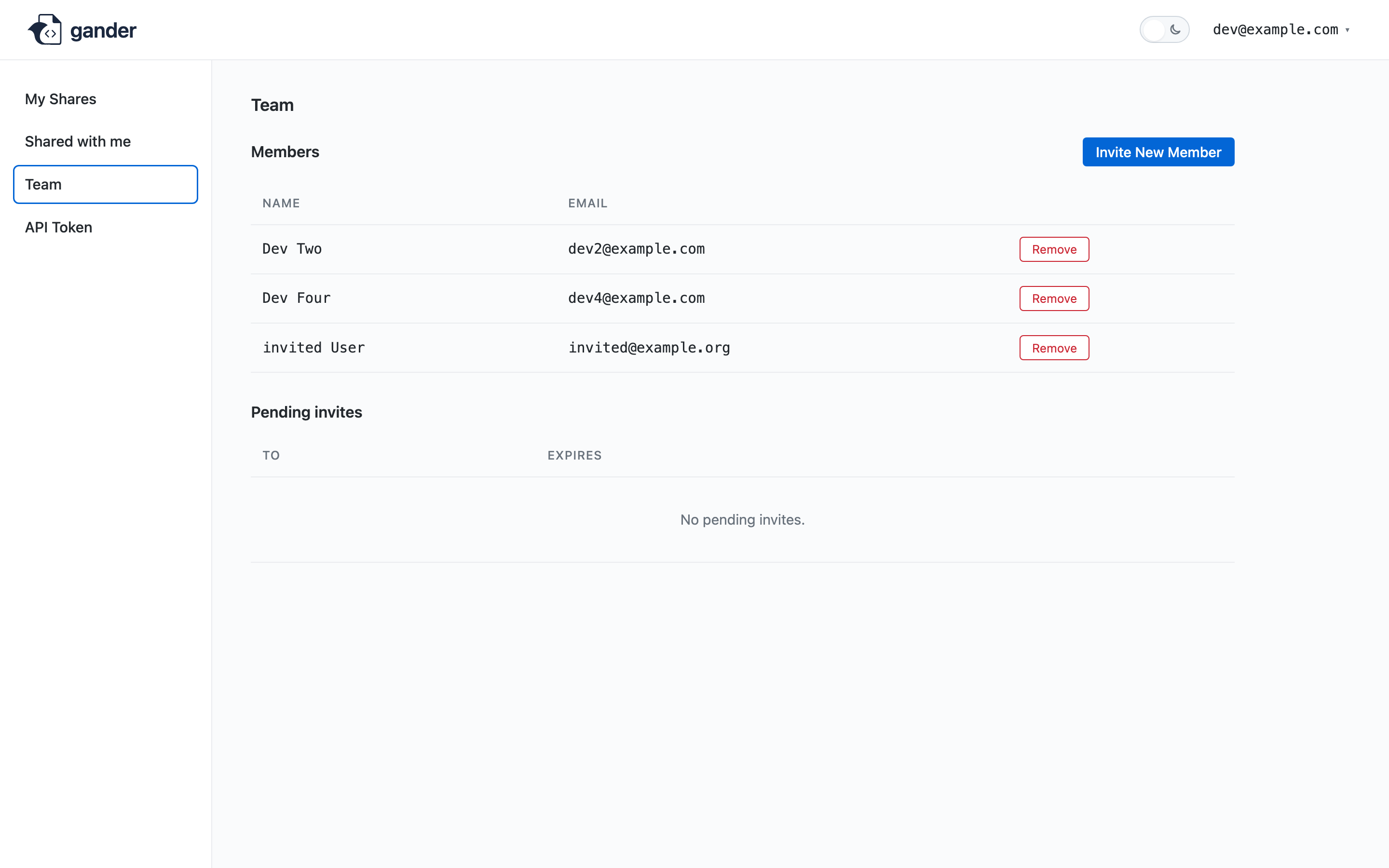
/dashboard/team lists members, pending invites, and the create/revoke/remove actions described in Invites. Optional email on create. The invite URL is shown once.
Token rotation
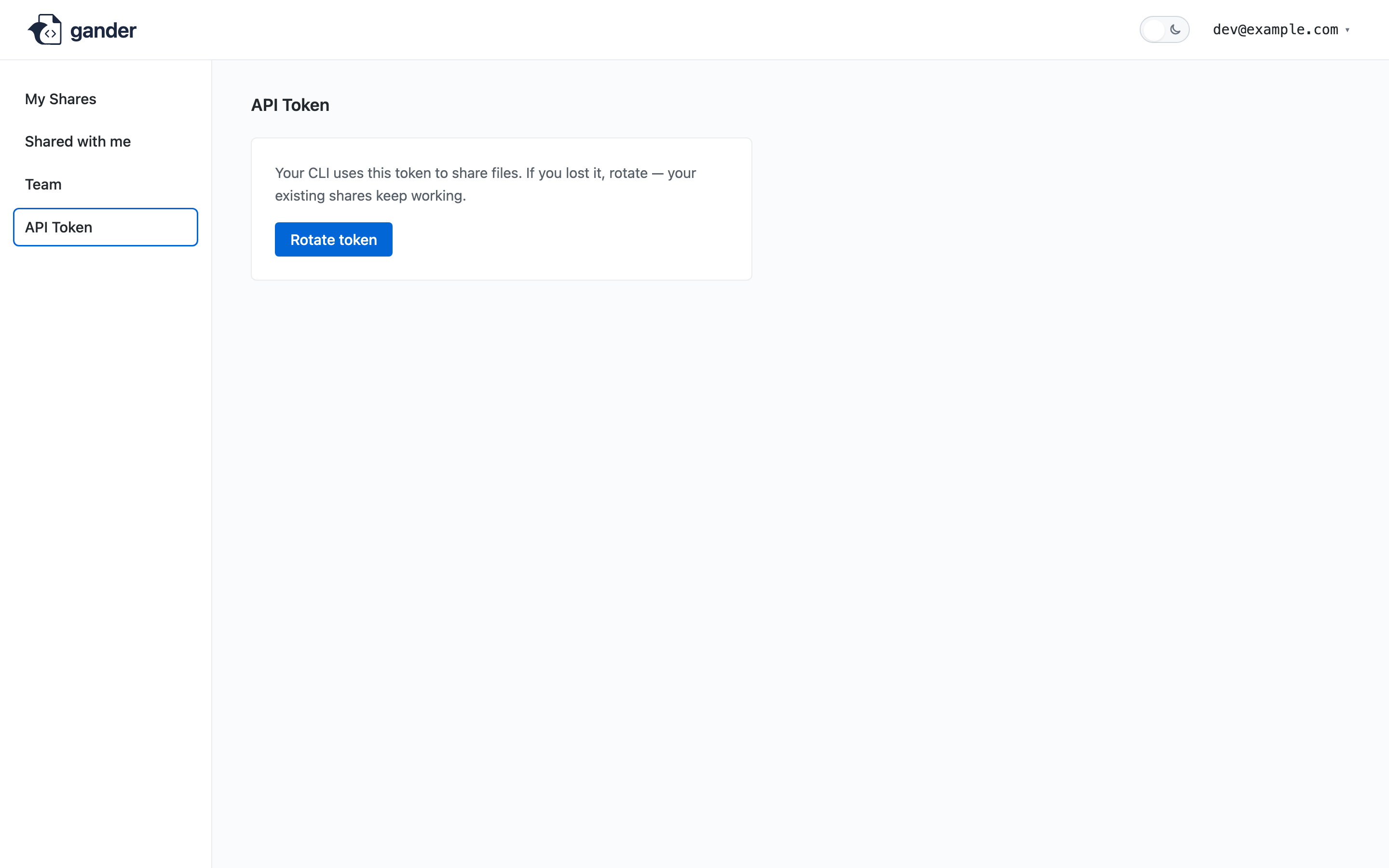
The dashboard can mint a new API token and show it once. The previous token stops working. Each machine that should keep calling the API needs the new value:
gander auth gmd_…
gander auth validates the token before writing ~/.gander/config.json. MCP and the CLI both read that file, so you do not re-run gander mcp install after a rotate unless the binary moved.
If you signed up with a token only and never set a password, /api/account/claim (or the dashboard prompt) lets you attach one so login works without the CLI handshake.