Team invites
Needs gander signup. These commands are hidden from gander --help until a token is saved.
Invites are how someone joins your team so they can open private shares and comment when commenting is private. The invite URL is printed once. Store it or send it immediately. You need signup.
Anyone-visibility docs do not need an invite for reading. Use invites when the doc is private, or when you want teammates on the dashboard.
gander invite
gander invite --email [email protected]
gander invite --share xK7m2pQa
gander invite --email [email protected] --share xK7m2pQa
| Flag | Effect |
|---|---|
| (none) | Mint an open team invite. Anyone with the URL can accept (until it expires or is used, depending on the invite). |
--email |
Bind the invite to that address. A different inbox cannot accept it. |
--share |
After accept, land the browser on that private share instead of a generic next page. |
--share accepts an 8-character short id or a full https://gander.md/s/… URL. The share must be private and yours. A public share, a hidden share, or someone else's share is rejected (share_not_private / share_not_found). You cannot invite someone "onto" an anyone-visibility link this way; they already have the URL.
If that email is already on the team, or an unused invite for them already exists, the CLI reports already_member / invite_exists. There is also a cap (too_many_invites).
Dashboard
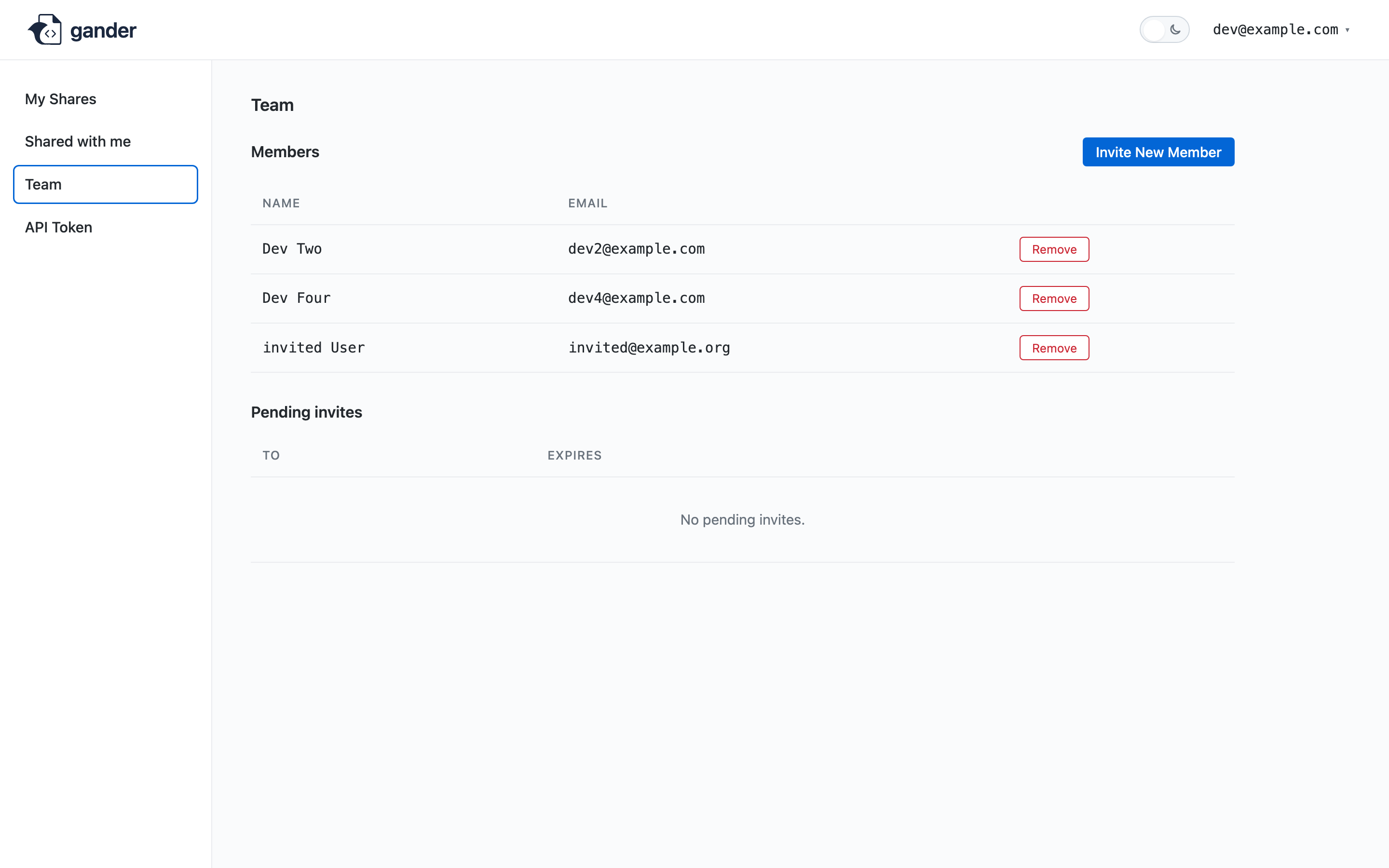
The team page at gander manage then /dashboard/team can create an invite (optional email), show the URL once, revoke an unused invite, and remove a member. Same rules as the CLI. See Dashboard.
After they accept
They set a password on the invite page. They never see an API token. They can sign in, open private shares your team owns, and comment when policy allows team members. They do not become you: they cannot list your shares from gander list with your token.