Hosted watch
Needs gander signup. These commands are hidden from gander --help until a token is saved.
Hosted watch is the product loop: a short gander.md link that updates on every save, for a reviewer who is not in your IDE. It needs signup. gander watch is an alias for gander share --watch.
gander watch plan.md
The CLI uploads the file, prints https://gander.md/s/…, and keeps pushing new HTML on save (through the same runner that local watch uses, plus the API). By default it also opens that URL. --silent skips the browser; watch still pushes on save. The reviewer needs a browser, not Gander.
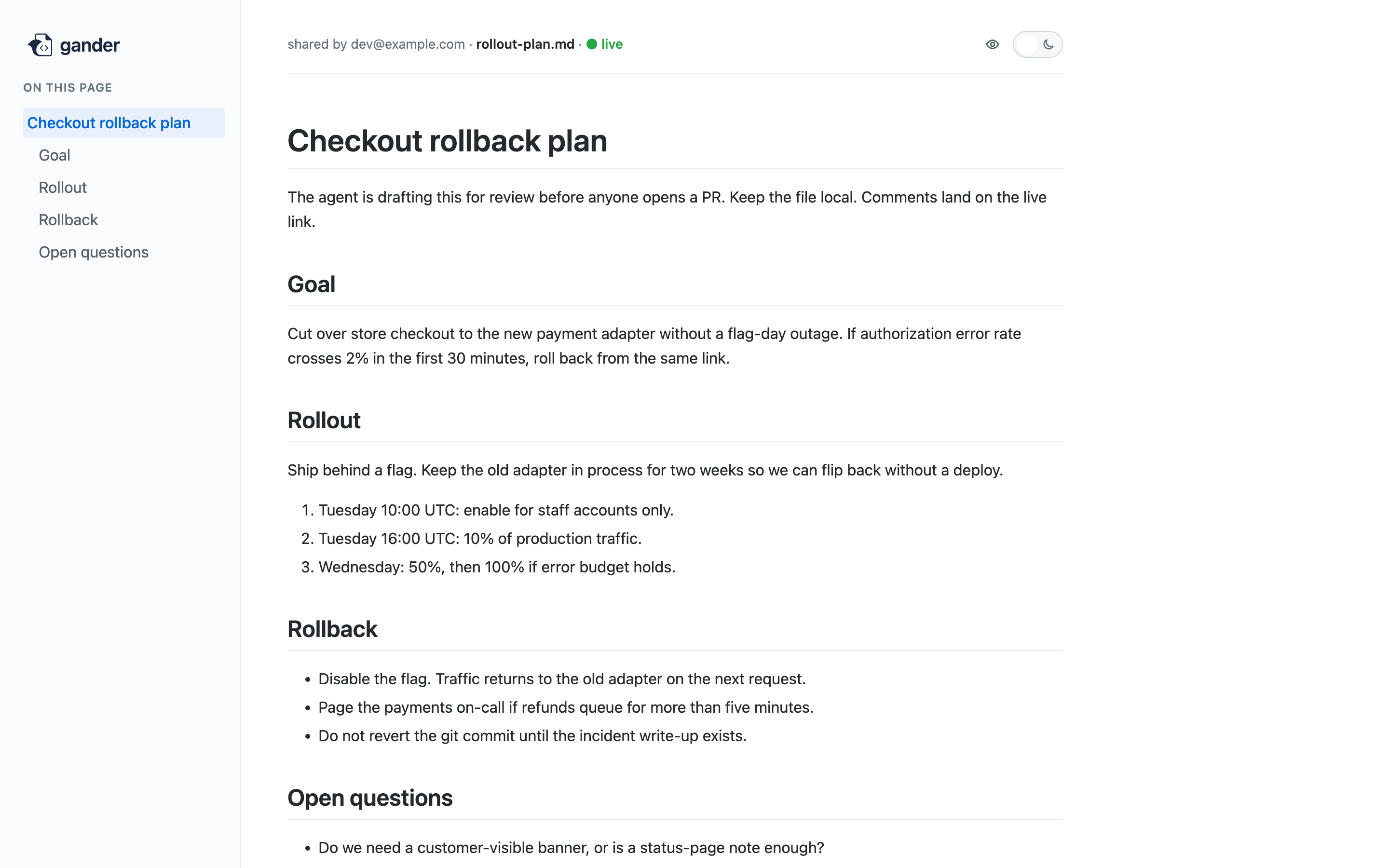
If you only wanted a one-shot snapshot with no live updates, use gander share plan.md instead. See Share.
Local vs hosted
# CLI only - stays on this machine
gander plan.md --watch
gander --watch ~/reports

# Signed up - live gander.md link for a reviewer
gander watch plan.md
gander watch ~/reports
gander --watch is local preview. gander watch is the hosted review loop. They do not share a URL. Local watch cannot accept comments. Hosted watch can, subject to visibility and commenting.
The dashboard can share a file and keep watching it in that browser tab (Chrome or Edge). That in-tab loop ends when you close the tab or click Stop. To keep the same https://gander.md/s/… link updating after that, run gander watch on the file. The CLI adopts the dashboard share (same short id) and then watches from disk.
Directory watch
Pass a folder instead of a file. The runner registers a dir-share watch and auto-onboards new matching .md files. Each new file becomes a normal hosted share plus a child file watch so later saves push. Pick the CLI up with gander --upgrade.
gander watch ~/reports
gander share --watch ~/reports
Recursion is the default, including folders created after the watch starts. --no-recursive stays in that one folder. Always skip .git, node_modules, .obsidian, vendor, and hidden directories. Empty files and editor temps (*~, *.swp, .#*, *.tmp, *.bak) are skipped. At most 20 new files per minute per directory watch; extras wait.
Default glob is **/*.md. New files after the watch starts are adopted. Files already in the folder are left alone unless you pass --existing. More than 50 existing files also needs --yes.
gander watch ~/reports --existing
gander watch ~/reports --existing --yes
gander watch ~/reports --no-recursive
gander watch ~/reports --glob 'daily-*.md'
Auto-onboarded files do not open a browser. The URL goes to the runner log and an OS notification. My Shares live-updates. --silent is the flag for a single-file watch; directory-adopted files never open a browser, with or without it.
Policy flags on the original command (--private, --comments, --visibility, --no-comments) apply to every file the directory watch creates. Later saves of those files still omit the keys unless you pass the flag again.
gander watch ~/reports --private
gander status shows the directory row (MODE=dir-share, URL -) plus each child file watch. gander stop ~/reports stops adoption only. Already-onboarded shares keep their URLs and keep live-updating. gander remove 404s a link; the file on disk is not touched.
A job that dumps markdown into a folder does not need to know about Gander:
gander watch ~/reports
./bin/daily-report > ~/reports/$(date +%F).md
Each new file gets a https://gander.md/s/… URL. Pick it up from gander logs, the OS notification, or My Shares.
Directory watches live in the runner. --foreground is refused.
Flags
The same policy flags as share apply here. On first upload, defaults are visibility anyone and commenting private (author and team). Later saves omit a field unless you pass the flag, so a watch loop will not reset a private or disabled share. On a directory watch they also apply to every file the runner creates.
gander watch plan.md --silent
gander watch plan.md --private
gander watch plan.md --visibility=hidden
gander watch plan.md --comments anyone
gander watch plan.md --comments private
gander watch plan.md --no-comments
gander share plan.md --watch
gander watch ~/reports --existing --yes
gander watch ~/reports --no-recursive
gander watch ~/reports --glob 'daily-*.md'
| Flag | Effect |
|---|---|
--silent |
Print the URL; do not open a browser. Still a normal share, not hidden. Directory-adopted files never open a browser anyway |
--private |
Only you and invited team can open the doc |
--visibility=anyone|private|hidden |
Explicit visibility, including unpublish (hidden is a 404) |
--comments anyone|private|disabled |
Who may start and reply to threads |
--no-comments |
Same as --comments disabled |
--existing |
Also onboard unmatched .md already in the folder |
--yes |
Required when --existing would onboard more than 50 files |
--no-recursive |
Stay in that one folder; do not watch subdirectories |
--glob |
Filename glob (default **/*.md) |
Anyone-commenting requires anyone-visibility. Full policy notes: Visibility. Local directory preview: Local watch.
Agent round-trip
Watching the file is not enough for the agent to hear review. Install MCP once so @agent comments land in the session:
gander mcp install
If MCP is not available, gander comments is the fallback. See MCP and Comments.